Guide · Image formats · Updated August 2026
WebP: The Web's Default Format, Explained
One format that does what JPG and PNG do — in files a quarter to a third smaller. Here is what WebP actually is, and the one situation where you should still avoid it.
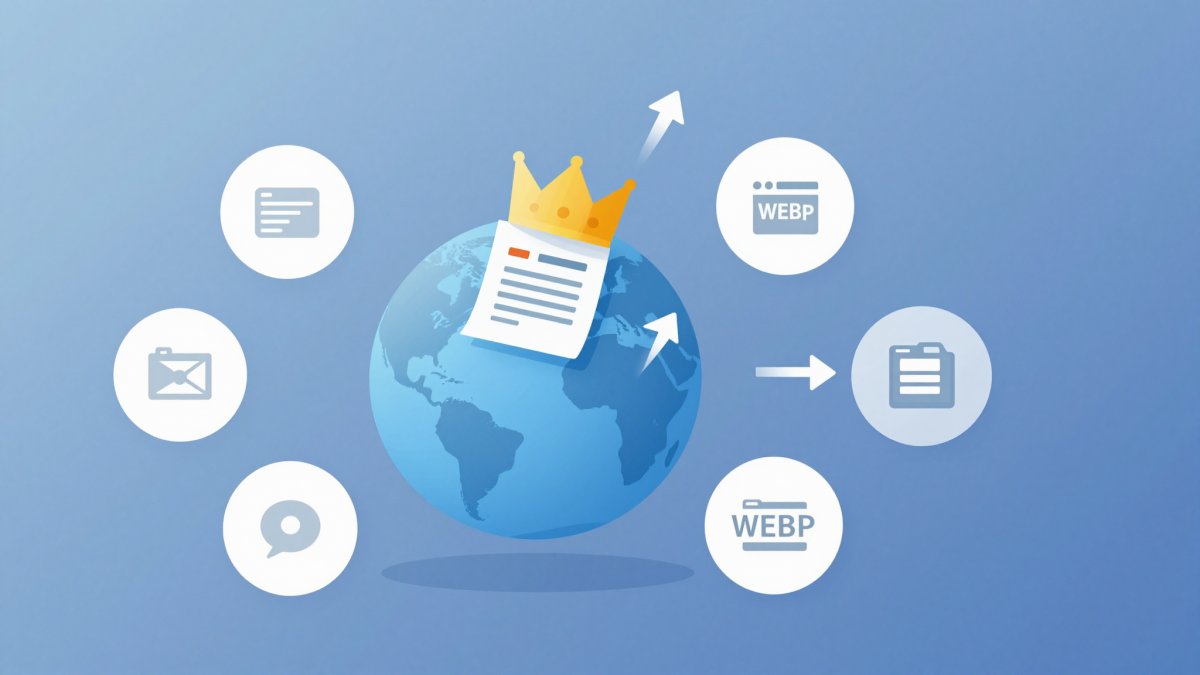
Save an image from almost any modern website and there is a good chance it lands on your disk as a .webp file. WebP has quietly become the working format of the web — yet many people still treat it as exotic, converting it away on sight or avoiding it entirely. Both reactions cost you something. This guide explains what WebP really is, shows the actual size savings, and draws a clear line between where WebP belongs and where it still causes friction.
What WebP actually is
WebP is an image format Google released in 2010, derived from the intra-frame coding of the VP8 video codec. Its pitch was simple: one format that covers the jobs of JPG, PNG and GIF at once. Unusually, it delivers on that, because WebP has two independent compression modes:
- Lossy WebP works like JPG — it discards visual detail your eye barely registers, with an adjustable quality setting. It is the mode you use for photographs.
- Lossless WebP works like PNG — every pixel survives exactly. It is the mode for logos, screenshots, flat graphics and text.
On top of that, WebP supports a full alpha channel in both modes — so unlike JPG, a lossy WebP photo can still have a transparent background — and animation, making it a direct replacement for GIF as well. If you regularly work with transparency, our guide to transparent backgrounds covers which formats keep it and which silently destroy it; WebP is firmly in the "keeps it" column.
The numbers: WebP vs JPG and PNG
Format debates get vague fast, so here are the real figures. In Google's published comparison studies and in day-to-day practice, lossy WebP comes out roughly 25–35% smaller than a JPG of comparable visual quality. A photo that exports to 300 KB as a quality-80 JPG typically lands between about 195 and 225 KB as WebP at the same perceived quality. Not a revolution per image — but across a page with a dozen images, or a site with thousands, it adds up to real bandwidth and faster loads.
For graphics, the gap is similar: lossless WebP files are typically around 25% smaller than the equivalent PNG. A 120 KB PNG logo re-encoded as lossless WebP usually comes out near 90 KB — identical pixels, smaller file. The savings vary with content (screenshots with large flat areas compress especially well), but WebP losing to a well-optimised PNG is rare.
Two caveats worth knowing. First, the savings depend on quality settings — a WebP at quality 90 can easily be bigger than a JPG at quality 70; you are comparing modes, not magic. Second, AVIF compresses photos better still. WebP's advantage is that it hits the sweet spot of strong compression plus years of universal support and fast encoding, which is why it became the default rather than the frontier.
The compatibility question, answered plainly
The most persistent myth about WebP is that "some browsers don't support it." That was true once; it has not been true for years. Chrome has supported WebP since 2010, Firefox since early 2019, and Safari since version 14 in 2020. Every current browser on every platform — desktop and mobile — displays WebP natively. For anything served on a web page, browser compatibility is a solved problem.
The real compatibility friction lives outside the browser, in desktop software and older workflows:
- Older image editors — Photoshop only gained native WebP support in 2022; older versions and various niche tools still refuse the files.
- Legacy viewers — the classic Windows Photo Viewer and some older preview tools cannot open WebP without extra codecs.
- Upload forms and business systems — plenty of CMS plugins, print-shop order forms, marketplace listings and government portals still validate against a hard-coded list of "jpg, png, gif".
- Other people — the person you email a WebP to may simply not know what to do with it.
So the modern rule is: WebP is safe wherever a browser does the displaying, and risky wherever a human or a legacy system has to open the file directly.
When WebP is the right choice
The clear case is images on your own website. You control the pipeline, a browser renders the result, and every visitor benefits from the smaller files: faster pages, better Core Web Vitals, less bandwidth on mobile. If you are working through our image optimisation guide, switching photographic content to WebP is one of the highest-value steps after resizing to display dimensions. It is also the tidy answer when you need a transparent image that is smaller than PNG — think hero graphics, product cutouts, decorative overlays.
When to avoid it
Keep JPG and PNG for anything that leaves your own pipeline:
- Sending files to clients or collaborators — you cannot know what software sits on the other end. JPG and PNG open everywhere; WebP might trigger a confused reply.
- Print shops — print workflows are built around JPG, TIFF and PDF. Many front-ends reject WebP outright, and print is one place where you want zero format surprises.
- Marketplaces and platforms that re-encode uploads — Etsy, Amazon, most social networks and stock sites re-compress whatever you upload anyway. Uploading their preferred format (usually JPG) avoids both rejection and a wasteful WebP-to-JPG double conversion on their side.
- Long-term archives — keep your master copies as PNG or original camera files. WebP is a delivery format, not an archival one.
Creating WebP with the Image Resizer
You do not need Photoshop or a command line to produce WebP. Our free Image Resizer runs entirely in your browser — the image never leaves your device — and exports WebP directly:
- Open the Image Resizer and load your JPG or PNG.
- Set the output dimensions (resize to the size you will actually display — that alone often saves more than the format change).
- In the export format selector, choose WebP.
- Adjust the quality slider — around 80 is a strong default for photos; nudge it up if you see artefacts in fine detail.
- Download. If your source PNG had a transparent background, the transparency is preserved in the WebP output.
Converting WebP back to JPG or PNG
The reverse problem is just as common: you saved a WebP from the web and now a form, an editor or a colleague rejects it. The fix takes seconds with the same tool — load the WebP into the Image Resizer (every modern browser can decode it), keep the original dimensions, and export as JPEG or PNG. Choose PNG if the image has transparency or is a graphic; choose JPEG for photos. One thing to understand: converting a lossy WebP to PNG does not restore any detail — the loss already happened — it only changes the container so stricter tools accept it. The same logic applies in both directions, as our PNG vs JPG guide explains for its pair of formats.
Animated WebP vs GIF
GIF is a 1987 format limited to 256 colours per frame, with famously inefficient compression. Animated WebP supports full 24-bit colour plus transparency, and in lossy mode the same clip typically shrinks to a third of the GIF's size or less — a 2 MB GIF meme often lands around 700 KB as animated WebP, at visibly better colour fidelity. If an animation lives on a page you control, animated WebP (or a short MP4 video, which is smaller still) beats GIF every time. GIF's only surviving advantage is habit: chat apps and older platforms handle it without question.
The decision table
Everything above, compressed into one lookup:
| Situation | Use | Why |
|---|---|---|
| Photos on your own website | WebP (lossy, quality ~80) | ~25–35% smaller than JPG, universal browser support |
| Logos / graphics on your site | WebP (lossless) | Smaller than PNG, transparency preserved |
| Transparent image, smallest file | WebP | Alpha channel in both modes, unlike JPG |
| Sending to a client or colleague | JPG or PNG | Opens in any software, no surprises |
| Print shop order | JPG (or TIFF/PDF) | Print workflows often reject WebP |
| Marketplace / platform upload | JPG | Platforms re-encode anyway; JPG is always accepted |
| Short animation on your site | Animated WebP | Roughly a third of GIF size, full colour |
| Master copy for future edits | PNG / original file | WebP is for delivery, not archiving |
The bottom line
WebP earned its place as the web's default by being good enough at everything: smaller than JPG for photos, smaller than PNG for graphics, transparent when needed, animated when wanted, and supported by every browser for years. Use it freely for anything a browser will display, keep JPG and PNG for files that travel to people and legacy systems, and keep a lossless master of anything you may edit again. For how WebP fits alongside AVIF, SVG and the rest, see our complete image formats guide.
Create or convert WebP in your browser
Resize any image and export it as WebP, JPEG or PNG with an adjustable quality slider — free, private, nothing uploaded.
Open the Image Resizer